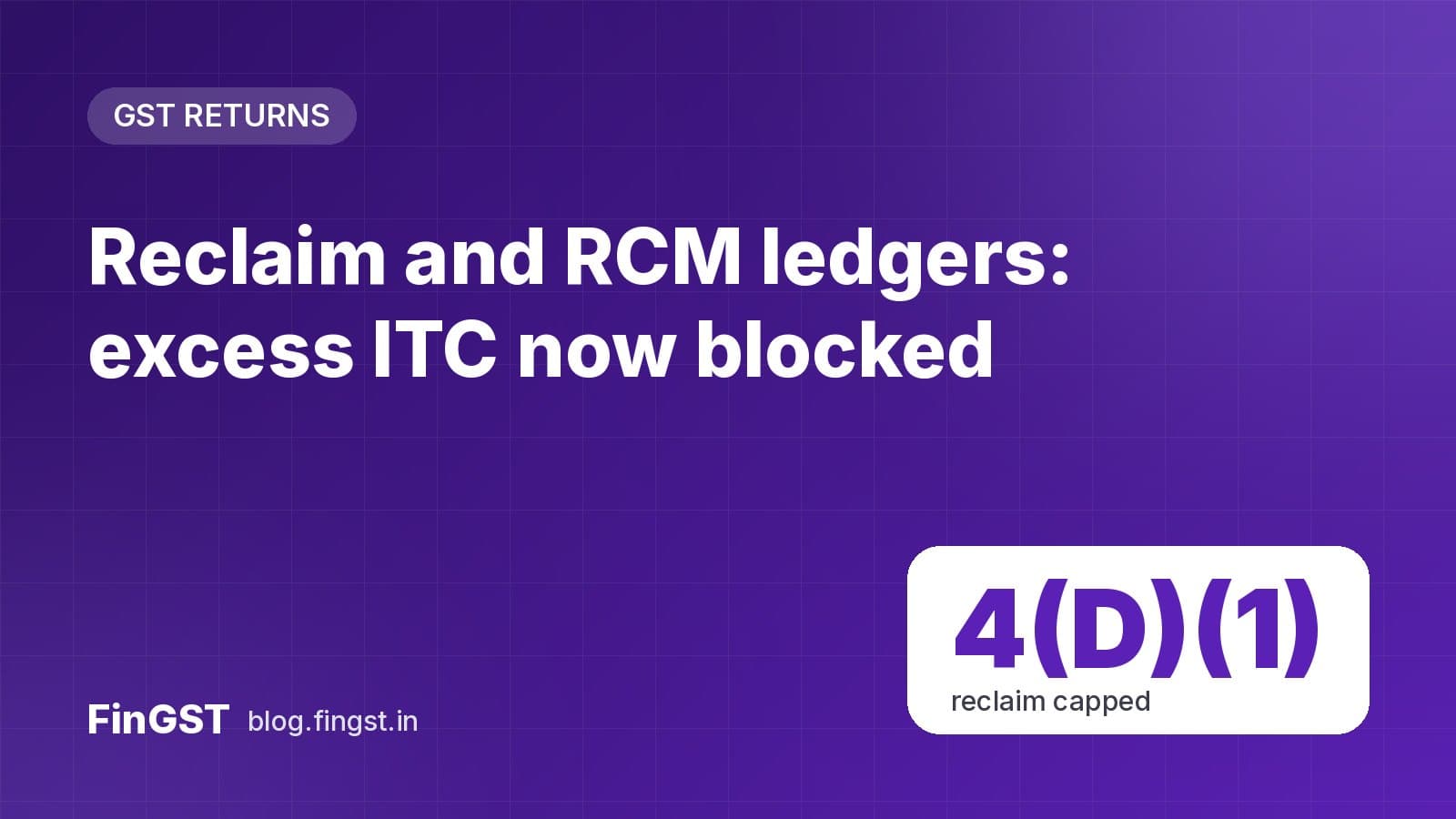
The GST portal keeps two statements (ledgers) that track input tax credit (ITC) through GSTR-3B. They used to only warn you about over-claiming; now they stop GSTR-3B from being filed when the numbers don't add up.
The two ledgers
| Ledger | What it tracks | Where to find it |
|---|---|---|
| Electronic Credit Reversal and Re-claimed Statement ("Reclaim Ledger"), since Aug 2023 | ITC you temporarily reversed in Table 4(B)2 and later reclaimed in Tables 4(A)5 and 4(D)1 | Services → Ledger → Electronic Credit Reversal and Re-claimed |
| RCM Liability/ITC Statement ("RCM Ledger"), since Aug 2024 | Reverse charge tax paid in Table 3.1(d) against the RCM ITC claimed in Tables 4(A)2 and 4(A)3 | Services → Ledger → RCM Liability/ITC Statement |
Taxpayers were given several chances to enter opening balances in both ledgers for amounts from before they existed.
The new checks
- Reclaim limit. ITC reclaimed in Table 4(D)(1) must not exceed the Reclaim Ledger closing balance plus the ITC being reversed in this month's Table 4(B)(2).
- RCM limit. RCM ITC in Tables 4(A)2 and 4(A)3 must not exceed the RCM tax paid in Table 3.1(d) this month plus the RCM Ledger closing balance.
Negative balances are no longer allowed in either ledger.
If your ledger already shows a negative balance
GSTR-3B will not file until you fix it:
- Reclaim Ledger negative: reverse the excess in Table 4(B)(2) of this month's GSTR-3B. If you don't have enough ITC this month, the reversal is added to your tax payable.
- RCM Ledger negative: either pay extra RCM tax in Table 3.1(d) equal to the negative balance, or reduce the RCM ITC claimed in Tables 4(A)2 or 4(A)3.
What you should do
- Open both ledgers now and check the closing balances.
- If either is negative, plan the reversal or payment before your next due date.
- Going forward, claim RCM ITC only after paying the RCM tax, and reclaim only what you actually reversed.