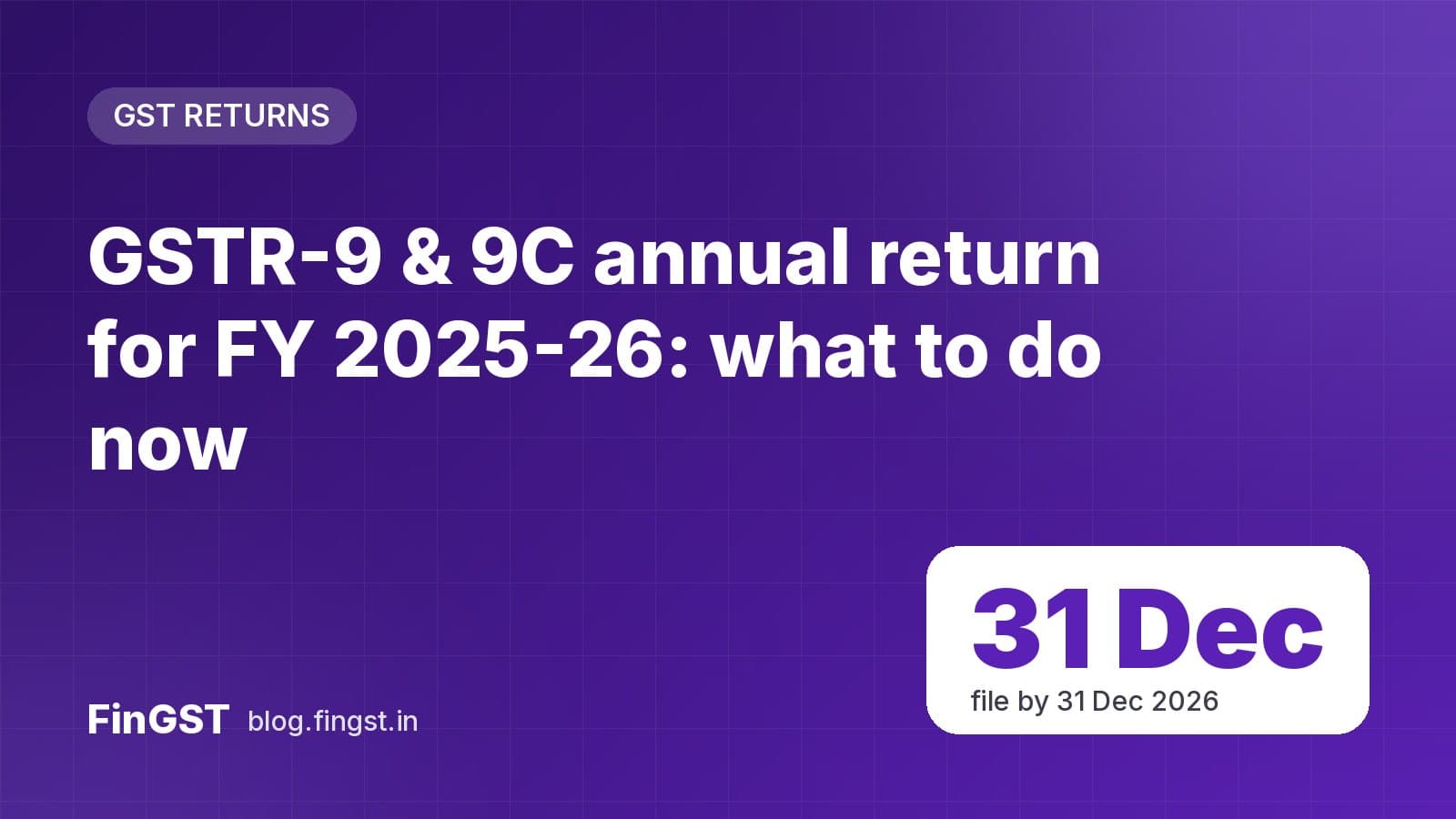
The annual return forms GSTR-9 and GSTR-9C for FY 2025-26 were enabled on the GST portal on 8 October 2026. Now is the best time to start: reconciling a full year of data takes longer than most people expect, and December is busy.
Key dates
| Item | Date |
|---|---|
| Forms enabled on the portal | 8 October 2026 |
| Due date under Section 44 (FY 2025-26) | 31 December 2026, unless extended by notification |
The law sets the annual return due date as 31 December after the end of the financial year. The government sometimes extends it — if that happens, the FinGST app will alert you.
"Why can't I see the GSTR-9 tile?"
This is the most common question. GSTN's advisory is clear: all your GSTR-1 and GSTR-3B returns for FY 2025-26 must be filed before the GSTR-9/9C tile is enabled.
If the tile is missing or greyed out:
- Open Returns → Return Dashboard and check every month (or quarter, for QRMP) from April 2025 to March 2026.
- File any pending GSTR-1 or GSTR-3B.
- Check again after the filing is processed.
If everything is filed and you still can't see it, raise a ticket on the GSTN self-service helpdesk.
GSTR-9 vs GSTR-9C: which do you file?
- GSTR-9 is the annual return. It summarises the outward supplies, tax paid and input tax credit you reported during the year.
- GSTR-9C is a self-certified reconciliation statement between your GSTR-9 and your audited financial statements. It applies to larger taxpayers above the turnover limit notified for the year.
Turnover limits and optional-filing relief for small taxpayers are set by notification each year. Check the notification that applies to FY 2025-26 before deciding you don't need to file.
Checklist before you file
- Reconcile sales: total of GSTR-1 vs GSTR-3B vs your books. Note any invoices missed or reported in the wrong month.
- Reconcile ITC: ITC claimed in GSTR-3B vs ITC available in GSTR-2B. Identify ITC reversed, re-claimed or ineligible.
- Check tax paid: any tax underpaid during the year should be paid through DRC-03 before filing — GSTR-9 itself can't be used to pay it.
- Review amendments: credit notes, debit notes and amendments made after March 2026 that relate to FY 2025-26.
- HSN summary: make sure HSN codes and quantities in the annual return match your records. You can look up HSN codes in the FinGST app.
- Download the system-computed summary and the GSTR-9 draft, compare with your working, and only then file.
Common mistakes to avoid
- Treating GSTR-9 as a correction return. You can report figures you missed, but extra tax should be paid separately through DRC-03, and some errors can't be fixed through the annual return at all.
- Mixing up years. ITC and credit notes of FY 2025-26 claimed or issued in FY 2026-27 must go into the right tables, not be counted twice.
- Copying the system summary blindly. The auto-filled figures come from your GSTR-1 and GSTR-3B; if those had mistakes, the annual return will repeat them.
- Ignoring GSTR-2B differences. Large gaps between ITC claimed and ITC in GSTR-2B are a common reason for notices later.
- Waiting for the last week. The portal is slowest just before the due date.
Late fee
Filing after the due date attracts a late fee per day, capped at a percentage of turnover, at rates that depend on your turnover. Use the GST late fee calculator on fingst.in to estimate it for your case.
Need help?
GSTN advises raising a ticket on the GSTN helpdesk for problems with filing. For reminders before the due date, turn on due-date alerts in the FinGST app — see all upcoming deadlines in our due dates topic.