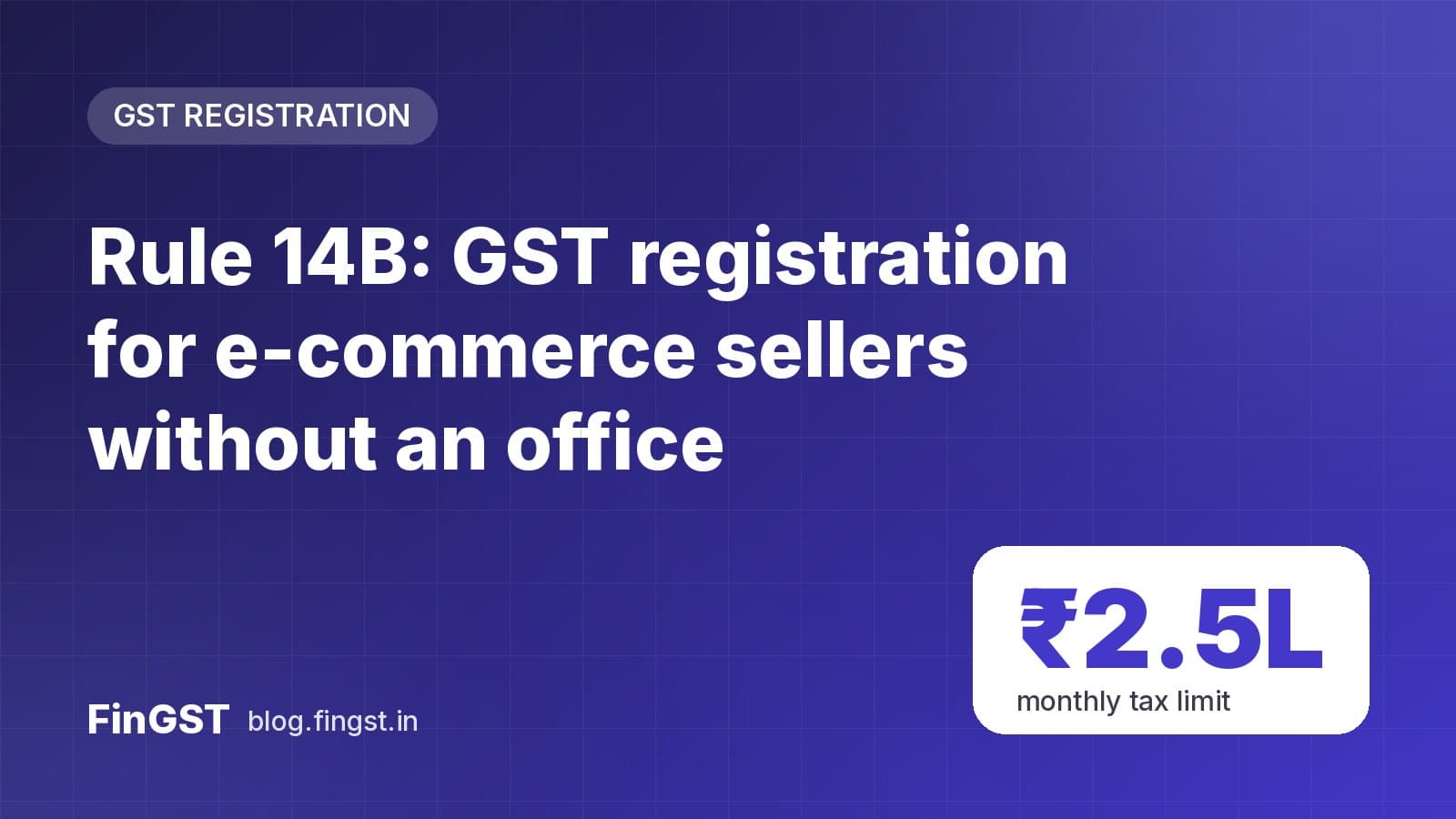
If you sell through e-commerce marketplaces and your stock sits in the platform's warehouses in other States, you have needed a separate place of business in each of those States to register there. The new Simplified Registration Scheme under Rule 14B changes that.
Under Rule 14B, eligible sellers can take GST registration in a State where they have no physical office, by using the e-commerce operator's approved warehouse as their place of business. GSTN enabled the facility on the GST portal following Notification No. 05/2026-Central Tax dated 26 October 2026.
Who can use Rule 14B
You must meet all of these conditions:
- You sell goods through e-commerce operators (ECOs) that collect TCS under Section 52 of the CGST Act.
- You are applying in a State/UT where you have no physical presence and no active regular registration.
- You already have at least one regular, active GST registration under the same PAN in another State/UT. GSTN calls this your Home State GSTIN.
- The Home State GSTIN is not registered under Rule 14A or Rule 9A, and is not under State code 97. (If you are under Rule 14A, you can withdraw from it and then apply under Rule 14B.)
- No cancellation proceedings (Section 29) have started and no cancellation application is pending for the Home State GSTIN.
- Your output tax on supplies to registered persons does not exceed ₹2.5 lakh per month (CGST + SGST/UTGST + IGST together).
- Only one Rule 14B registration is allowed per PAN per State/UT, and it can't be in the "Other Territory" category.
Important restriction: a Rule 14B registration can be used only for supplies made through e-commerce operators. You can't use it for direct, non-marketplace sales.
How to apply: step by step
- On the GST portal go to Services → Registration → New Registration.
- Choose your taxpayer category and continue to Part B of FORM GST REG-01.
- In Business Details, select Yes for "Option for Registration under Rule 14B" and accept the declaration.
- Enter your Home State GSTIN in "Enter GSTIN where you have physical presence in other state".
- The reason for registration is set automatically to Selling through e-Commerce portal.
- In the place of business tab, enter the e-commerce operator's GSTIN for that State. This sends an address access request to the operator.
- Once the operator approves, choose its approved warehouse address(es) as your principal and additional places of business. "Nature of possession" is set automatically to E-Commerce Operator's Warehouse under Rule 14B.
- Complete the remaining details and submit.
The operator's GSTIN must be active, in the same State you are applying in, and must have an active TCS registration there.
What happens after you submit
Step 1 — Consent from the e-commerce operator
Your application goes to the operator, which must give consent for the warehouse address within 7 working days and name its authorised representative in that State. No ARN is generated until consent for the principal place of business is received.
Step 2 — Aadhaar authentication and documents
If biometric Aadhaar authentication and document verification were already completed for your Home State GSTIN, the ARN is generated straight away. If not, the promoter/partner and primary authorised signatory of the Home State GSTIN must complete it at a GST Seva Kendra. The authorised signatory picks who will do this under Services → Registration → Selection of Persons for Aadhaar Authentication under Rule 14B.
The ARN is generated only if verification is completed within 15 days of submitting Part B of REG-01.
Step 3 — Field visit and approval
After the ARN, a field visit is assigned if one hasn't already been done for your Home State GSTIN. The application is deemed approved when the field visit is completed successfully, or 30 days after the ARN, whichever comes first. The registration certificate is issued electronically.
If the application is rejected, you receive FORM GST REG-05A. If a field visit of your Home State GSTIN gives negative remarks, all your pending Rule 14B applications in other States are rejected automatically.
Timeline at a glance
| Stage | Time limit |
|---|---|
| E-commerce operator consent | 7 working days |
| Aadhaar authentication and documents | Within 15 days of submitting Part B |
| Deemed approval | Successful field visit or 30 days after ARN, whichever is earlier |
Tips before you apply
- Talk to your marketplace first so its team approves the address request and consent quickly.
- Check your monthly tax on B2B supplies stays within ₹2.5 lakh.
- Keep your Home State registration clean — any cancellation proceedings there will block Rule 14B applications.
- Registrations under Rule 14B can also be cancelled electronically under Rule 14B(24), so keep complying with returns in every State.
Official source
For other recent changes to registration, see our 57th GST Council explainer.